Skip to product information

Orsiva Camera Detector

Check hotels, rentals, and unfamiliar rooms for hidden camera lenses in minutes, then use it as a door alarm while you sleep.

Shows a hidden lens as a red point

Door alarm sounds if the handle moves

Pocket size, 6 x 4 cm

Sees the lens even if the camera is off

93% Sold

 
In StockShips within24 hours
  • Mastercard
  • Google Pay
  • Apple Pay
  • Visa
  • Shop Pay
  • PayPal

A pocket camera detector that shows a hidden lens as a red point, with a vibration door alarm and a flashlight.

Each unit is one Orsiva detector with its loop lanyard attached. Choose 2 or 3 to keep one in every bag or give one to someone you travel with.

Dim the lights, look through the filter and sweep slowly.

Ships within 24 hours with tracking. Free shipping when you choose 2 or 3.

30-day money-back guarantee on every order.

30-Day Guarantee

Try it on your next trip. That's on us.

Check every room you stay in for 30 days. If you are not happy with it, send it back and we will refund you in full.

View full details


REAL CUSTOMER REVIEWS

They Checked The Room, Then Slept

What travellers say after checking their rooms with a pocket camera detector.

5 out of 5

Great peace of mind

I purchased this Hidden Camera Detector before travelling, and I'm really impressed with how well it works. It's lightweight, compact, and incredibly easy to use, making it perfect for carrying in a handbag, backpack, or suitcase.

5 out of 5

Small but impressive

I'm honestly surprised by how small this hidden camera detector is, but it actually works! The instructions are easy to follow so you can know what each light means.

5 out of 5

Reliable for travel

I bought it for extra peace of mind while staying in hotels and vacation rentals, and it works exactly as expected.

5 out of 5

Worth Every Penny!

This little device is a powerhouse. It's compact, stylish, and actually works. I used it to scan a rental car and an Airbnb, and it gave me instant peace of mind.

WHERE THEY HIDE

What Faces The Bed And The Shower

Hidden cameras are easiest to miss when they blend into things that already belong in the room. Start with anything that has a clear view of the bed, bathroom, or room.

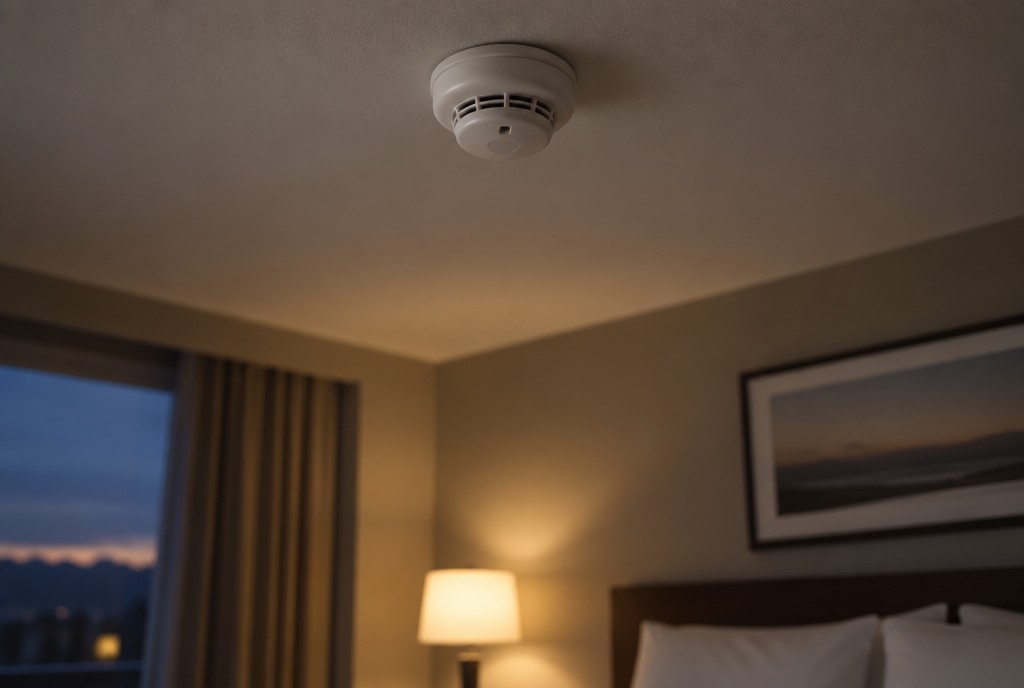
Smoke alarm
1

On The Ceiling

Smoke alarms already sit high with a clear view of the room, which makes them easy to overlook. Sweep the ceiling first and check for any tiny lens reflection inside the grille.

47% say they have found a camera in a rental. IPX1031, 2025.

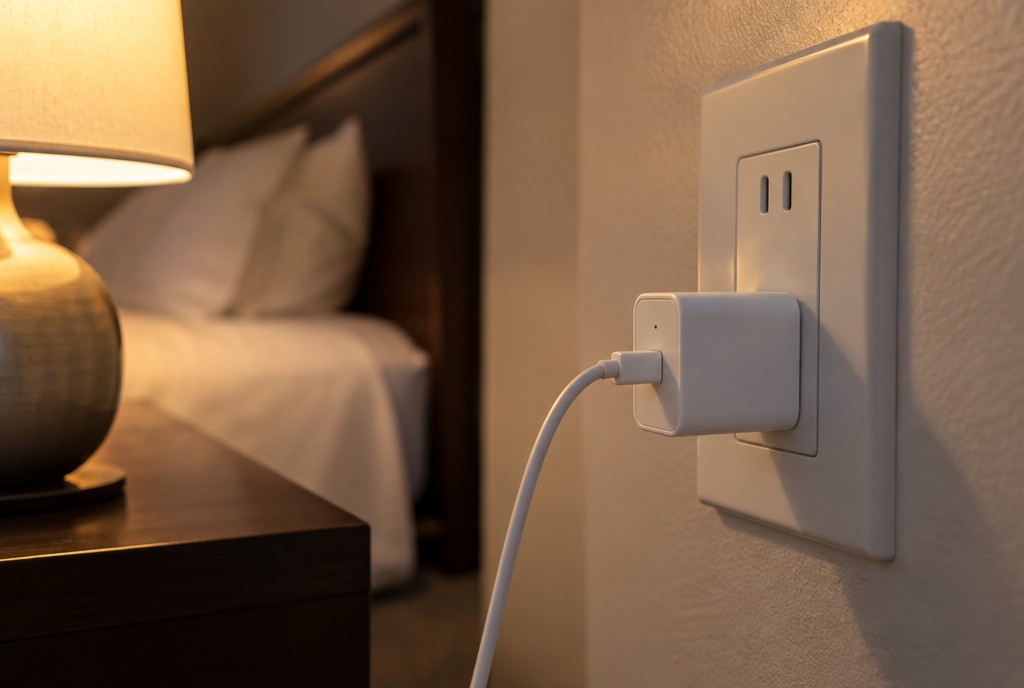
Outlet and charger
2

At Bed Height

Chargers, USB plugs and outlet covers blend into the room and often sit right beside the bed. Sweep anything aimed toward where you sleep.

58% of Americans worry about hidden cameras in rentals. IPX1031, 2025.

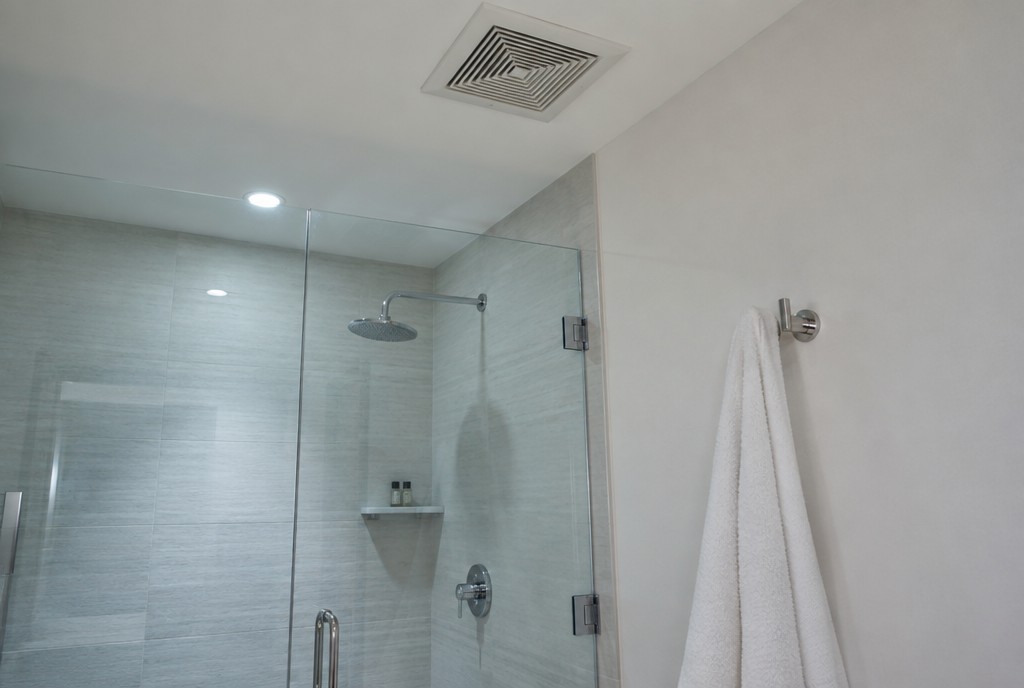
Bathroom fixtures
3

Facing The Shower

Bathrooms deserve a separate check. Sweep vents, hooks, shelves and fixtures with a clear view of the shower or changing area.

IPX1031 guest survey, 2025.

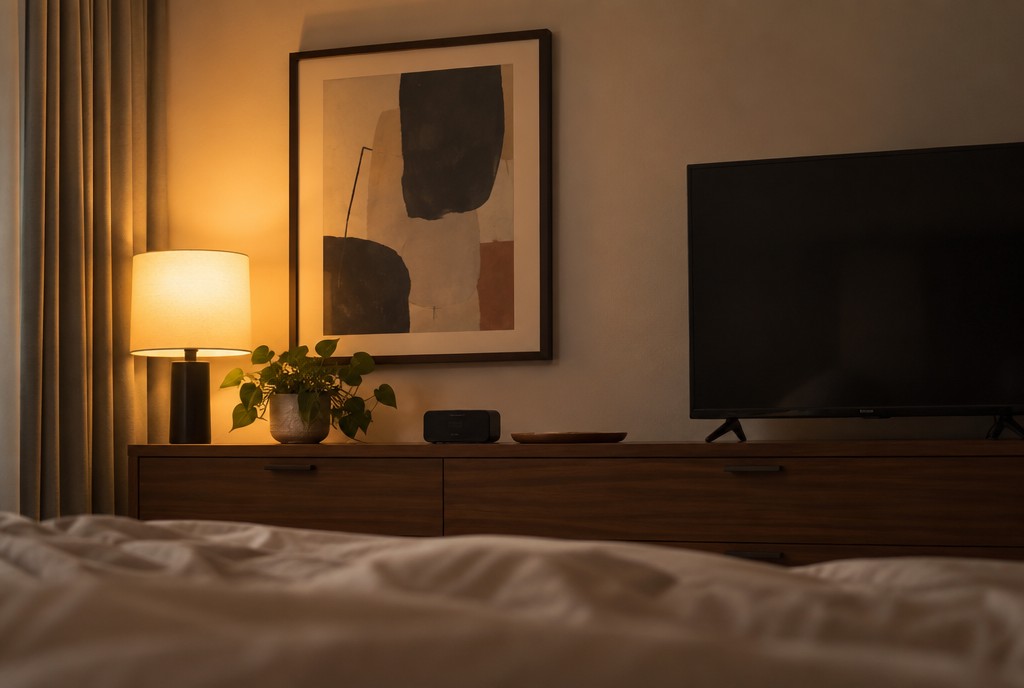
Clock and frame
4

Across The Room

Clocks, TVs, picture frames and speakers can sit directly across from the bed without drawing attention. Check anything positioned with a clear view of where you sleep.

64% do not know how to detect a hidden camera. IPX1031, 2025.

How it works

HOW IT WORKS

See The Lens You Cannot See

Hidden cameras can be tiny, disguised, and even powered off, but every camera still needs a lens. Orsiva shines infrared light across the room. When that light hits a camera lens, it reflects back through the violet viewing filter, making the lens easier to spot.

Look through the filter as you sweep the room. A hidden lens appears as a small, bright point that stands out from its surroundings.

Makes lens reflections easier to spot

Works even when the camera is off

Built-in door alarm for overnight

Small enough for any travel bag

HOW TO USE

Check Any Room

A quick room check takes just a few minutes.

Dimming the lights
STEP 1

Dim The Lights

Turn off the main lights and close the curtains. A darker room makes the lens reflection much easier to spot.

Looking through filter
STEP 2

Look And Sweep

Look through the violet filter and slowly sweep the room. A camera lens appears as a small bright point that stays in one place.

Alarm on the door
STEP 3

Guard The Door

When you are ready for bed, hang Orsiva on the door handle and switch on the alarm. If the handle moves, the alarm sounds.

WHY TRAVELLERS CHECK

Why A Quick Check Matters

In IPX1031's 2025 survey of 1,050 Americans, concern was common, but many people still did not know how to check for a hidden camera.

47%

of guests surveyed said they had found a camera in a rental property.

58%

said they worry about hidden cameras when staying in rentals.

64%

said they do not know how to detect a hidden camera.

3 steps

is all it takes to check the room yourself with Orsiva.

A few min

to sweep the places that matter most before you settle in.

1 device

to check for hidden lenses, then guard the door while you sleep.

ORSIVA VS. YOUR PHONE

A Phone Wasn't Built For This

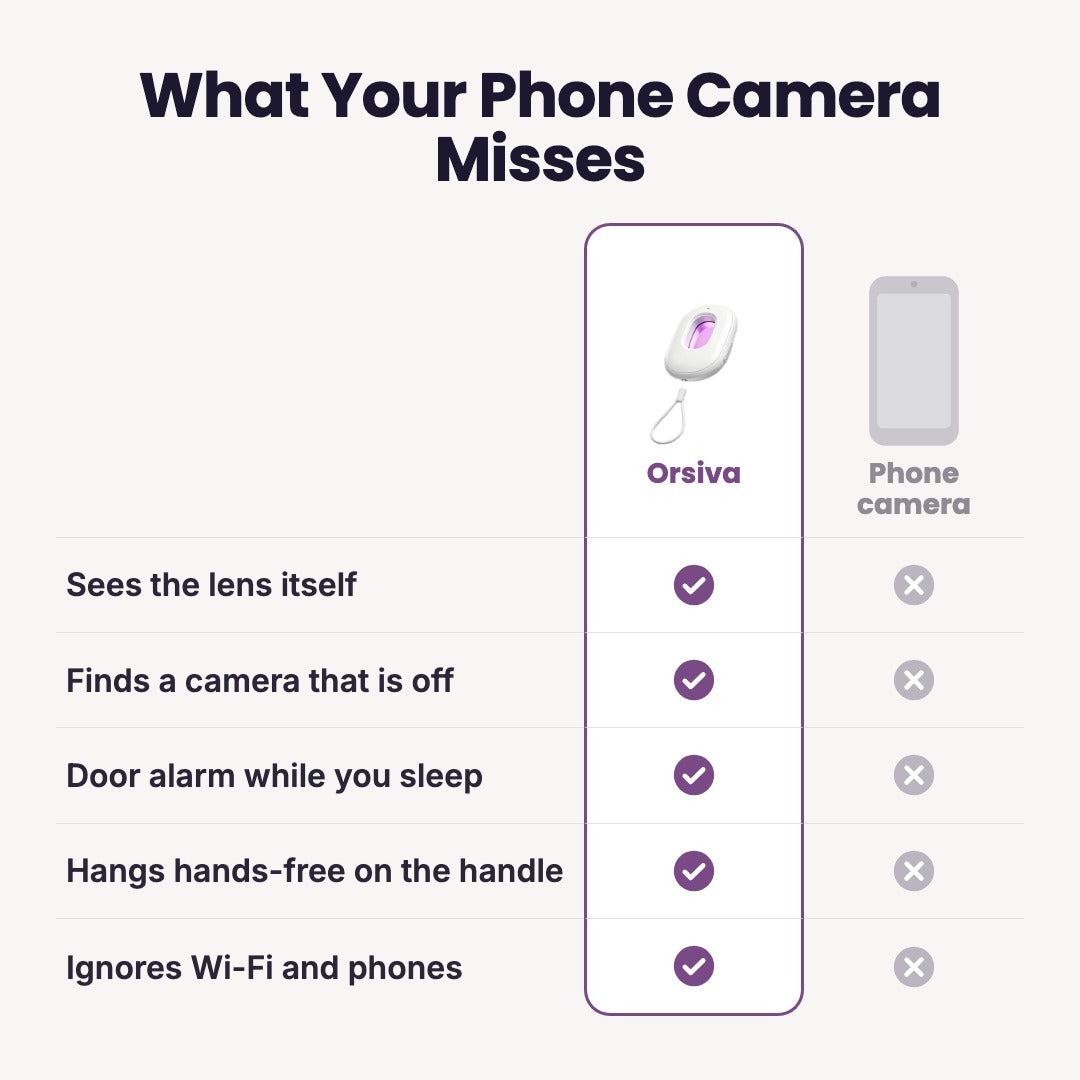
Orsiva looks for the lens itself, not just active lights or network signals.
Lens check
Camera off
Door alarm
One-handed
Glare
Wi-Fi
Orsiva camera detector
Reveals the lens through the viewing filter
Works even when the camera is off
Built-in door alarm for overnight
One hand, one button
Viewing filter helps reduce glare
Checks optically, not through Wi-Fi
Your Phone
May show active infrared lights on some cameras
Cannot rely on those lights when they are off
No built-in door alarm
Requires using the phone camera
No dedicated viewing filter
Network apps show devices, not the physical lens
Lens check
Camera off
Door alarm
One-handed
Glare
Wi-Fi
Orsiva camera detector
Reveals the lens through the filter
Works even when the camera is off
Built-in door alarm
One hand, one button
Viewing filter helps reduce glare
Checks optically, not through Wi-Fi
Your Phone
May show active infrared lights
Cannot rely on those lights when off
No built-in door alarm
Requires using the phone camera
No dedicated viewing filter
Network apps show devices, not lenses
Orsiva camera detector

FAQ

Still Have Questions?

Yes. Orsiva looks for the physical camera lens, not whether the camera is recording. Its light reflects off the lens and makes the reflection easier to spot through the violet viewing filter.

For the clearest check, dim the room and sweep slowly.

Some phone cameras may reveal active infrared lights from certain cameras. Orsiva is purpose-built to help you look for the physical lens itself, including when the camera is powered off.

No. There is no Wi-Fi connection, app, or phone setup required. Orsiva checks optically by looking for the reflection from a camera lens.

Before bed, hang Orsiva from the door handle using the lanyard and switch on the alarm mode. If the handle or device is disturbed, the alarm sounds to alert you.

You can also use it on other places you want to monitor, such as a window or luggage.

Start with anything that has a clear view of the bed or bathroom: smoke alarms, clocks, chargers, outlets, vents, TVs, picture frames, hooks, and other fixtures. Then sweep the rest of the room slowly.

No. Dim the room, switch Orsiva on, look through the viewing filter, and slowly sweep the places you want to check. A quick room check takes just a few minutes.